LSGH e-Reader3.6.6
Publisher Description
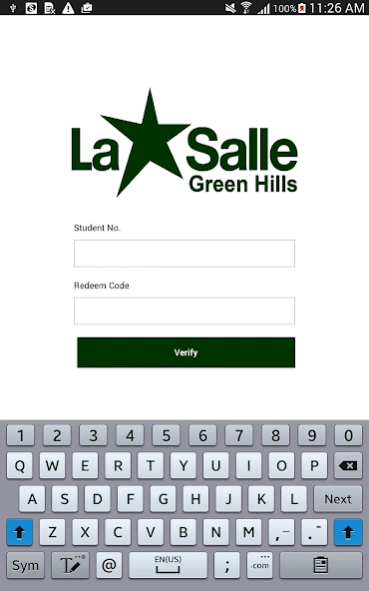
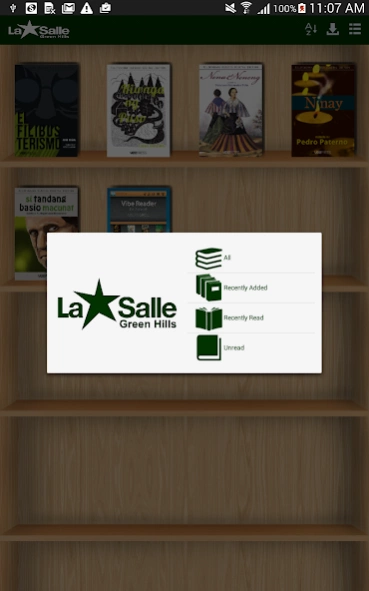
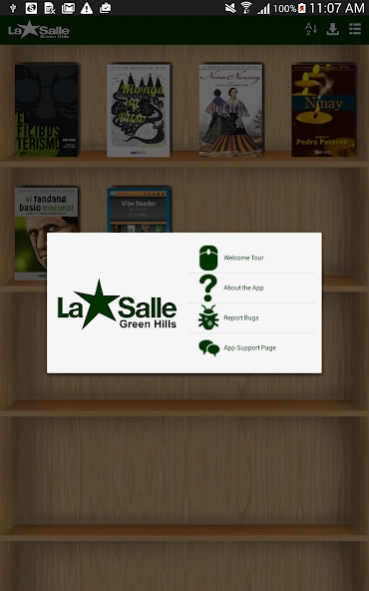
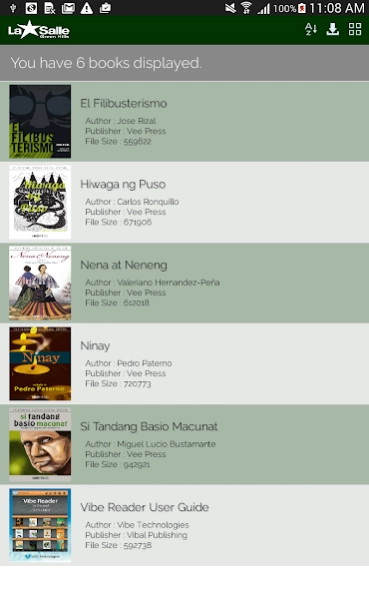
A universal eBook reader equipped with features customized for LSGH's students.
Explore eBook reading with the La Salle Green Hills eBook Reader, a universal eBook reader application equipped with features especially designed and customized for LSGH's students to enhance their reading experience. By logging in with your Vibe Account, you can download your E-Textbooks straight to your Android Devices!
Made for readers’ convenience: With resizable font size and zoom in or out feature for a customized view.
Intelligent reader: Create bookmarks, highlights, and draw anywhere in the eBook. Save a list of the bookmarked or noted pages and look at the table of contents for easy reference access.
Integrated with LSGH system: Use your student ID and redeem codes to access your books for download.
About LSGH e-Reader
The company that develops LSGH e-Reader is Vibal Group. The latest version released by its developer is 3.6.6. This app was rated by 2 users of our site and has an average rating of 4.0.
To install LSGH e-Reader on your Android device, just click the green Continue To App button above to start the installation process. The app is listed on our website since 2017-11-21 and was downloaded 117 times. We have already checked if the download link is safe, however for your own protection we recommend that you scan the downloaded app with your antivirus. Your antivirus may detect the LSGH e-Reader as malware as malware if the download link to com.vibetech.lsghreader is broken.
How to install LSGH e-Reader on your Android device:
- Click on the Continue To App button on our website. This will redirect you to Google Play.
- Once the LSGH e-Reader is shown in the Google Play listing of your Android device, you can start its download and installation. Tap on the Install button located below the search bar and to the right of the app icon.
- A pop-up window with the permissions required by LSGH e-Reader will be shown. Click on Accept to continue the process.
- LSGH e-Reader will be downloaded onto your device, displaying a progress. Once the download completes, the installation will start and you'll get a notification after the installation is finished.
Program Details
System requirements
Download information
Pricing
Version History
version 3.6.6
posted on 2017-11-22
v3.6.6 2017112210
- Minor bug fixes and enhancements
v3.6.6 2017091218
- Minor bug fixes and enhancements
v3.6.6 2017053013
- Minor bug fixes and enhancements
v3.0.0 2017051917
- Minor bug fixes and enhancements
v3.0.0 2017051819
- Minor bug fixes and enhancements
v3.0.0 2017051618
- Minor bug fixes and enhancements
v3.0.0 2017051517
- Minor bug fixes and enhancements
v3.0.0 2016061516
- Minor bug fix on Highlights
version 3.0.0
posted on 2016-06-16
v3.0.0 2016061516,- Minor bug fix on Highlights,v3.0.0 2016061516,- Clean Directory when change in user,- Message prompt and and enter confirmation code.,- disable user dynamic folder.,v3.0.0 2016061423,- Fix missing downloaded books,- Fix server books rendering issues.,- Add user login indicator.,- Minor bug fixing.,v3.0.0 2016060208,- Added Annotation feature,- Minor bug fixes,v3.0.0,- Integrated with LSGH TRS,- Minor bug fixes
